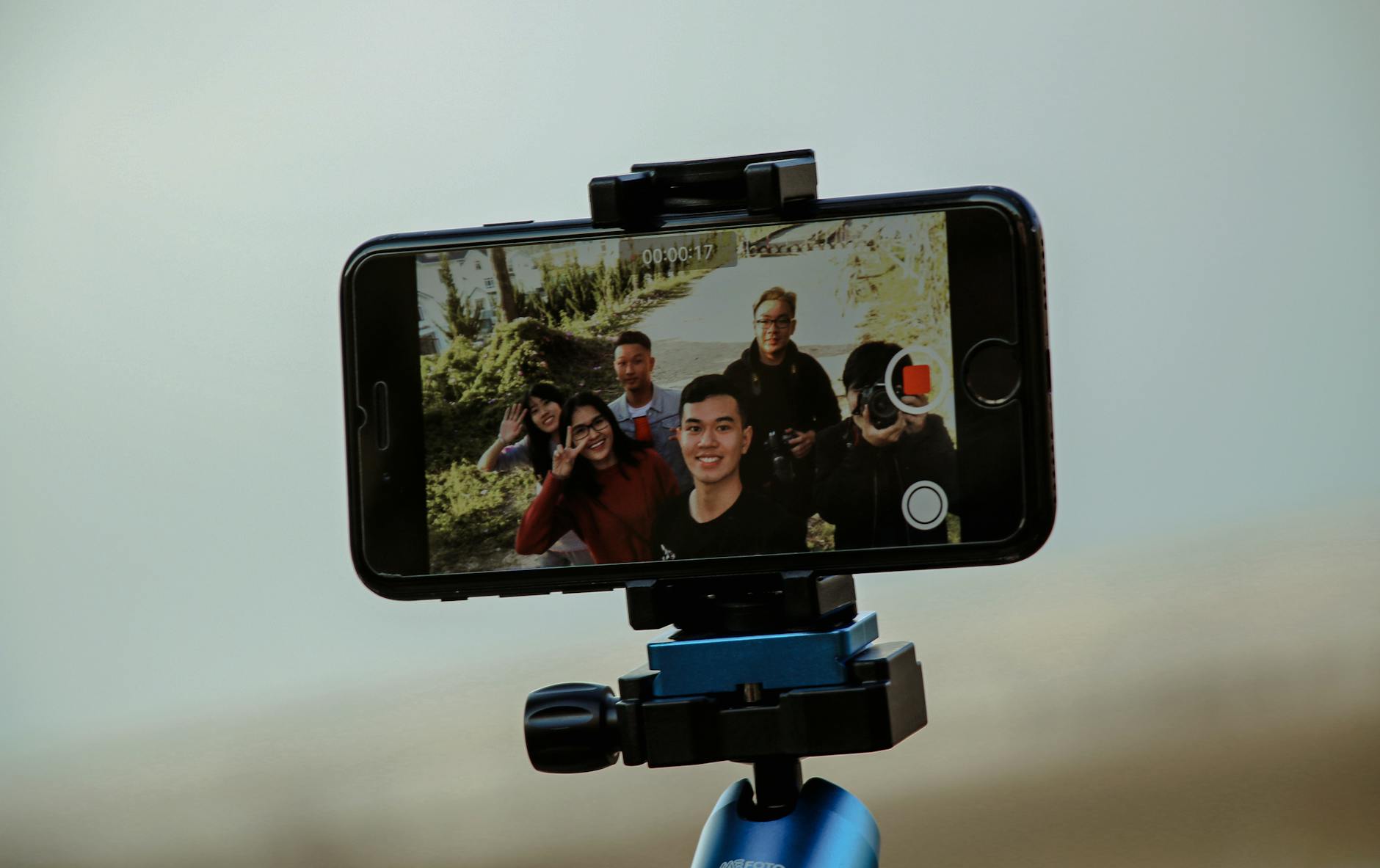
How to Earn from your YouTube Channel Sell Products


There are several ways to earn money from your YouTube channel

  • sell digital products
  • sell physical products like t-shirts, hats, mugs, custom products
  • affiliate marketing: Amazaon, Ebay
There is the YouTube partner ship program where you earn per thousand views of your videos through Google Adsense. Before you monetize your YouTube channel, you need to have 4000 hours watch hours and 1000 subscribers. 


Comments

Popular posts from this blog

Mark Minervini Trend Template

Mark Minervini is  one of America's most successful stock traders; a veteran of Wall Street for nearly 30 years.  His trend template The current stock price is above both the 150-day (30 week) and 200 days (40 week) moving average price line The 150 day moving average is above the 200 days moving average the 200 day moving average line is trending up for at least 1 month (preferably 4-5 months minimum is most cases) the 50 days (10 week) moving average is above the 150 day and 200 days moving average the current stock price is trading above the 50 days moving average The current price is at least 30 percent above its 52 week low The current stock price is at least 25 percent of its 52 week high  and closer to the new high the etter the relative strength ranking is no less than 70 and preferably in the 80s or 90s For more articles on stock trading, check out Digital Nomad Here

OpenShot Add Text: Subtitles and Captions

OpenShot is an open source video editing soft. Adding subtitles and captions is quite tricky. Adding subtitles takes effort. Suggestions by GeekOutdoors - You can have the soundwave form displayed so you know where the talking and pausing occurs. - You also use the green marker to help you decide how long the subtitle should be shown. - Encode the subtitles in Notepad so you can easily copy and paste it later on - Turn off the snapping tool which is on by default; to remove subtitle overlap For captions, GeekOutdoors, - used footer text, shortened the duration to like 3 seconds - if you want advanced editing of the text, you will need to download and link Inkscape to OpenShot Check out  basic OpenShot tutorial  or  list of OpenShot tutorial .

OpenShot Add Music or Sound Effects

In OpenShot, you can delete the audio of your video and replace it with another one. You can right click on the video click and select separate video. Or you can click the video and let the audio mute. There is option to fade in and fade out for the audio. If audio is longer than your clip, you can use the scissor tool to cut the audio as the video ends. Check out  basic OpenShot tutorial  or  list of OpenShot tutorial .